WhatsApp Ready · 512×512 · WebP · Transparent

Image to WhatsApp
Sticker Converter

Remove background automatically, crop to 1:1 ratio, export as 512×512 WebP — WhatsApp sticker ready in seconds.

JPG PNG WEBP Sticker ✓
Something went wrong.

Drop Images to Make Stickers

Supports JPG, PNG, WEBP — auto removes background & exports as 512×512 WebP

✓ Background removed via remove.bg API · Output: 512×512 WebP

512×512 px
WebP Format
Auto BG Remove
1:1 Auto Crop
Batch Download
WhatsApp Ready
All stickers are exported as 512×512 WebP with transparent background — ready to use in WhatsApp Sticker apps.
Total Images
0
Stickers Ready
0
Original Size
Output Size
Remove Background
Uses remove.bg AI API
Auto Crop 1:1
Center crop to square
512 × 512 px · WebP
WhatsApp sticker standard size.
Transparent background preserved.

Images

0 images
📦 Sticker Pack Creator ✦ PRO
Name your pack and download all stickers as a organized ZIP — ready to import into Sticker Maker app.

Powerful WhatsApp Sticker Tool Online

Our WhatsApp Sticker Tool helps you create, customize, and download high-quality stickers for WhatsApp in just a few clicks. Whether you want to turn your photos into stickers, remove backgrounds, or design custom sticker packs, everything is possible directly in your browser — fast, secure, and easy to use.

This tool is designed for developers, designers, and everyday users who need a simple, fast, and secure way to convert images. With batch conversion, quality control, and resizing options, you get full control over your images without using heavy software like Photoshop.

✔ 100% Browser-Based Processing
✔ No Watermark, Completely Free
✔ Batch Image Conversion
✔ Secure & Private
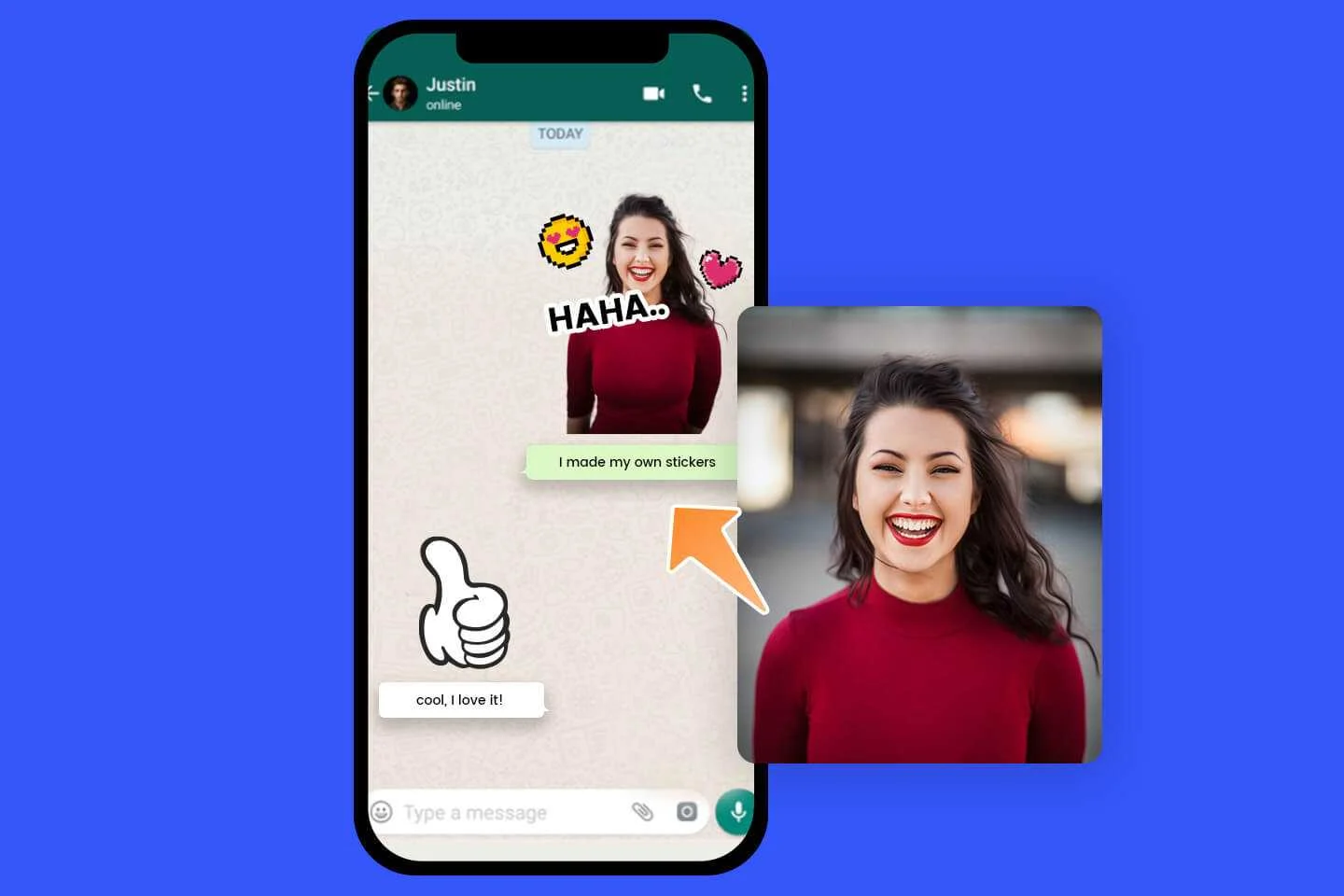
Image Converter Tool

Make Stickers in 4 Simple Steps

AI removes the background, crops to square, and exports WhatsApp-ready WebP files.

1

Upload Image

Drag & drop or click to select one or more photos. JPG, PNG and WEBP supported.

2

BG Removed

remove.bg AI instantly detects and removes the background, leaving a clean transparent cutout.

3

Crop & Resize

Image is center-cropped to 1:1 ratio and resized to exactly 512×512 pixels — WhatsApp standard.

4

Download WebP

Save individual stickers or download all as a ZIP. Import into any WhatsApp sticker pack creator.


WhatsApp Sticker Requirements

This tool automatically meets all WhatsApp sticker specifications.

512

512 × 512 px

WhatsApp requires stickers to be exactly 512×512 pixels. Auto-resized for you.

WebP

WebP Format

WhatsApp stickers must be in WebP format. Smaller file size with excellent quality.

BG

Transparent BG

Stickers need a transparent background. remove.bg AI handles this automatically.


Frequently Asked Questions

Everything you need to know about Sticker Maker.

How do I use the sticker on WhatsApp?
Download the WebP sticker file, then use a WhatsApp sticker pack creator app (like "Sticker Maker" on Android/iOS) to import the sticker and add it to your personal sticker pack on WhatsApp.
What images work best for stickers?
Images with a clear subject against a simple or contrasting background work best — portraits, objects, animals, logos. Complex backgrounds or very detailed subjects may require manual touchup after background removal.
Can I turn off background removal?
Yes — toggle off "Remove Background" in the settings. The image will still be cropped and resized to 512×512 WebP, but the original background will be preserved.
Is the background removal free?
Background removal uses the remove.bg API which has a free tier. Disabling "Remove Background" converts images entirely in your browser with no API calls or limits.

✏️ Sticker Editor ✦ PRO

✍️ Text
😂 Emoji
✨ Effects
Text
Fill / Outline
42px
3
Add Emoji
80px
Border / Outline
10
0
Shadow
12
4
4
60%
Image Adjustments
0
0
100%