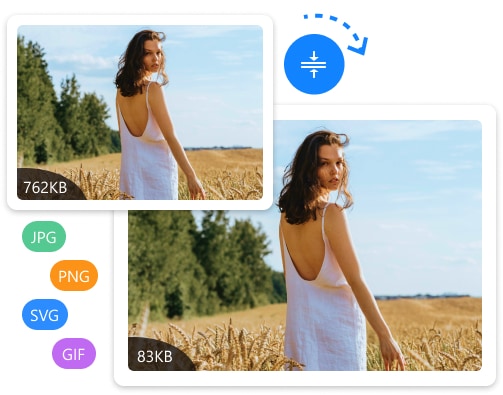
Upload multiple images at once, choose your output format, set quality & size, and download them all — right in your browser. No uploads to a server, 100% private.
Supports JPG, PNG, WEBP, BMP, GIF — drag multiple files at once
✓ Processed entirely in your browser — no uploads, 100% private
Our Image Converter Tool allows you to quickly convert images into different formats like JPG, PNG, WEBP, BMP, and GIF. Whether you need better compatibility, smaller file sizes, or optimized images for web and apps, this tool makes the process fast, simple, and secure — directly in your browser.
This tool is designed for developers, designers, and everyday users who need a simple, fast, and secure way to convert images. With batch conversion, quality control, and resizing options, you get full control over your images without using heavy software like Photoshop.
Everything happens right in your browser — no uploads, no waiting, no privacy concerns.
Drag & drop or click to select one or multiple images. JPG, PNG, WEBP, BMP and GIF supported.
Select your output format, adjust quality (1–100%), and optionally resize width or height.
Hit "Convert All" — your browser processes everything instantly using the Canvas API. No server needed.
Download files individually or click "Download All ZIP" to get everything in a single ZIP file.
Convert between any of these formats freely — choose the right one for your specific use case.
Best for photos and realistic images. Small file size, slight compression.
Lossless quality with transparency support. Ideal for logos and graphics.
Modern web format. Smaller than JPG/PNG with excellent quality.
Uncompressed bitmap. Maximum quality, larger file size. Good for editing.
256 colors, supports transparency. Best for simple graphics and icons.
The right format makes a huge difference — for website speed, print quality, and compatibility.
Convert JPGs to WEBP to reduce image sizes by 30–50% and speed up your website's loading time.
Convert to PNG to get transparent backgrounds for logos, watermarks, and UI graphics.
Resize and convert images to the exact format and dimensions required by each platform.
Convert to JPG with reduced quality to shrink image file sizes for email attachments and docs.
Batch convert and resize assets to the exact dimensions your app or game requires.
Quickly batch-convert exported design assets from one format to another without Photoshop.
Everything you need to know about IMG Converter.