JPG · PNG · WEBP — Reduce File Size Free

Compress Images
Without Losing Quality

Upload multiple images, choose your compression level, and instantly reduce file size — up to 90% smaller. 100% in-browser, no server uploads, completely private.

JPG PNG WEBP SMALLER
Something went wrong.

Drop Images to Compress

Supports JPG, PNG, WEBP — drag multiple files at once

✓ Processed entirely in your browser — no uploads, 100% private

Batch Compress
100% Private
Instant Results
ZIP Download
No Watermark · Free
Total Files
0
Compressed
0
Original Size
Saved
Quality 75%

Images

0 images


Smart Image Compression Made Simple

Our Image Compressor is a powerful online tool designed to reduce image file size without compromising quality. Whether you're optimizing images for websites, social media, or storage, this tool ensures faster loading times and better performance — all directly in your browser with complete privacy.

This tool is designed for developers, designers, and everyday users who need a simple, fast, and secure way to convert images. With batch conversion, quality control, and resizing options, you get full control over your images without using heavy software like Photoshop.

✔ 100% Browser-Based Processing
✔ No Watermark, Completely Free
✔ Batch Image Conversion
✔ Secure & Private
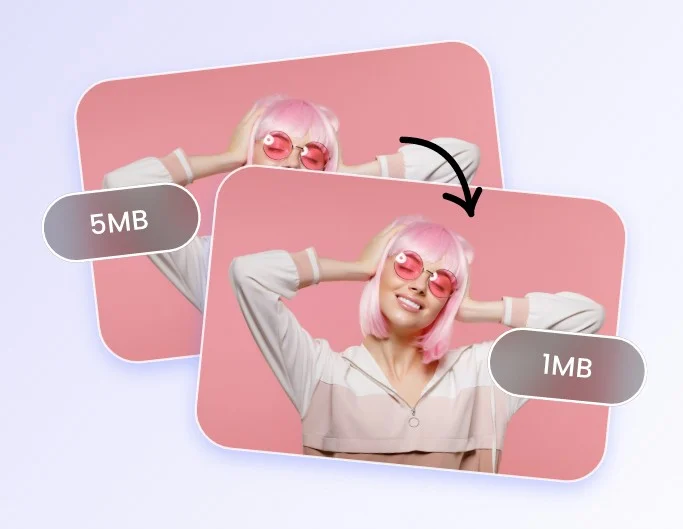
Image Converter Tool
How It Works

Compress in 3 Simple Steps

No signup, no app to install. Everything happens instantly in your browser.

1

Upload Images

Drag & drop or click to upload JPG, PNG, or WEBP files. Add multiple at once.

2

Choose Level

Select Low, Medium, or High compression — or dial in a custom quality percentage.

3

Compress

Click Compress All. Files are processed instantly right inside your browser.

4

Download

Save each image individually or grab them all at once as a ZIP file.


Use Cases

Why Compress Your Images?

Smaller images mean faster websites, lower storage costs, and quicker uploads.

Website Performance

Speed up your site by reducing image size. Faster load times improve SEO and user experience.

Social Media

Reduce file sizes before uploading to Instagram, Twitter, or Facebook without losing visual quality.

Email Attachments

Shrink photos before attaching to emails. Stay under file size limits with ease.

Cloud Storage

Save storage space on Google Drive, Dropbox, or iCloud by compressing before uploading.

E-commerce

Optimize product photos for your online store. Faster pages lead to more sales.

Documents & Reports

Compress images before inserting into PDFs or Word docs to keep file sizes manageable.


Frequently Asked Questions

Does compression reduce image quality?
It depends on your compression level. "Low" compression is nearly lossless — you'll barely notice a difference. "High" compression reduces quality more noticeably in exchange for much smaller files. Use "Medium" for the best balance.
Are my images uploaded to a server?
Never. All compression happens directly in your browser using JavaScript. Your images never leave your device, so they're completely private and secure.
What image formats are supported?
The compressor supports JPG/JPEG, PNG, and WEBP formats. For PNG files, compression works best by slightly reducing quality or switching to WEBP using our IMG Converter tool.
How much can I reduce file size?
Results vary by image, but typically you can reduce JPG file sizes by 40–80% with minimal quality loss at Medium setting. High compression can achieve up to 90% reduction.
Is there a file size or count limit?
There's no enforced limit — you can compress as many images as your browser can handle. Very large batches may slow down depending on your device's memory and processing power.