HD Quality · No Watermark · 100% Free

Remove Image Background
in One Click

Upload any photo — our AI instantly removes the background with pixel-perfect precision. No blur, no artifacts, full quality output.

Something went wrong. Please try again.

Drop your image here

Supports JPG, PNG, WEBP, BMP up to 12MB
Background removed automatically by AI

JPG PNG WEBP BMP

Result

Original
Original
Background Removed
Result
Full HD quality preserved
Processed in seconds
PNG with transparency
Instant AI Removal
Full HD Output
No Watermark
Secure & Private
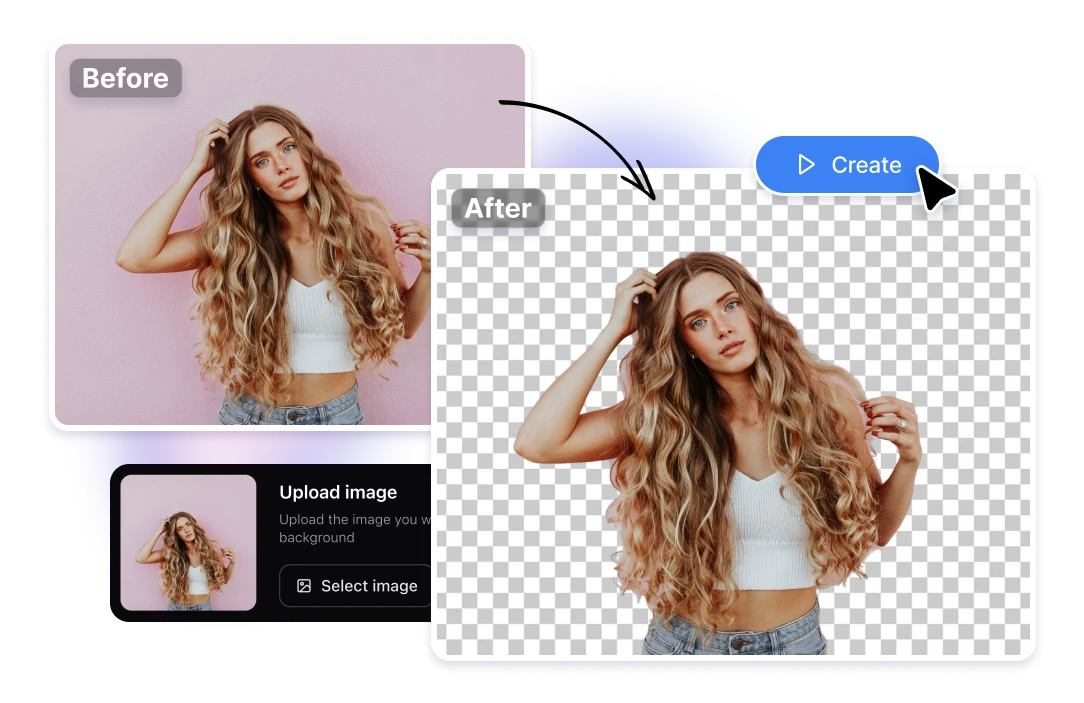
AI-Powered Object & Background Removal

Our Object Remover Tool uses advanced AI to precisely detect and remove backgrounds or unwanted objects from your images in seconds. No manual selection needed — just upload and download.

Whether you're removing backgrounds for product photos, portraits, or marketing materials, our AI handles complex edges like hair, fur, and fine details automatically.

✔ AI-Powered Precision
✔ No Watermark, Free
✔ Transparent PNG Output
✔ Custom Background Color
Object Remover Tool

3 Simple Steps to a Clean Background

No signup, no software — just upload and download. Our AI handles everything in seconds.

1

Upload Your Image

Drag & drop or click to upload any JPG, PNG, WEBP, or BMP file. Max size 12MB per image.

2

AI Removes Background

Our advanced AI model instantly detects the subject and precisely removes the background with pixel-perfect edges.

3

Download in HD

Get your result as a full-resolution transparent PNG — no watermark, no quality loss, completely free.


Perfect For Every Need

Whether you're a seller, designer, photographer, or content creator — BG Eraser is built for you.

E-Commerce Products

Create clean white or transparent product images that convert better on any marketplace.

Profile Photos

Make your headshots professional-looking with a clean transparent or custom background.

Social Media Content

Design eye-catching posts, stories, and thumbnails without spending hours in Photoshop.

Marketing Materials

Drop products or portraits into any branded background for flyers, banners, and ads.

Websites & Apps

Cut out logos, icons, or interface elements and embed them seamlessly on any background color.

Graphic Design

Speed up your workflow by instantly isolating subjects for composites, mockups, and collages.


Frequently Asked Questions

Everything you need to know about BG Eraser. Can't find your answer? Feel free to reach out.

Is BG Eraser completely free to use?
Yes! BG Eraser is 100% free. You can remove backgrounds from as many images as you like without any signup, subscription, or hidden fees. No watermarks are added to your downloads.
What image formats are supported?
We support JPG, PNG, WEBP, and BMP formats. The maximum file size is 12MB per image. Your result is always delivered as a high-quality transparent PNG file.
How does the AI background removal work?
Our tool is powered by remove.bg's state-of-the-art AI model. It analyzes your image, identifies the main subject, and precisely removes the background — handling complex edges like hair, fur, and transparent objects.
Is my image data safe and private?
Absolutely. Your images are processed securely and are never stored on our servers or shared with third parties. Once your result is ready, the data is immediately discarded.
Can I process multiple images at once?
Currently, BG Eraser processes one image at a time. After downloading your result, click "New Image" to start with another photo. Bulk processing is coming soon!
What if the result doesn't look right?
Results are best when the subject is well-lit and clearly separated from the background. If you're unhappy with a result, try uploading a higher resolution or better-lit version of your photo. Our AI handles most images with 95%+ accuracy.

Removing Background…

AI is analyzing your image with pixel-perfect precision

Uploading image
AI detecting subject
Removing background
Preparing HD output