Colors · Gradients · Custom Images · Blur Effects

Change Image Background
in Seconds

Upload any photo, pick your new background — solid color, gradient, or your own image — and download in full HD. Powered by AI.

Something went wrong.

Upload Your Image

Drag & drop or click to upload — AI removes the background,
then you choose your new one instantly

JPG PNG WEBP BMP
AI-Powered Cutout
30+ Preset Backgrounds
Custom Image Upload
HD Download · Free

Background Editor

Subject Extracted
Live Preview

AI is removing the background…

Background
Quick Presets
Background preview

Click to upload
your background image

Applying background…
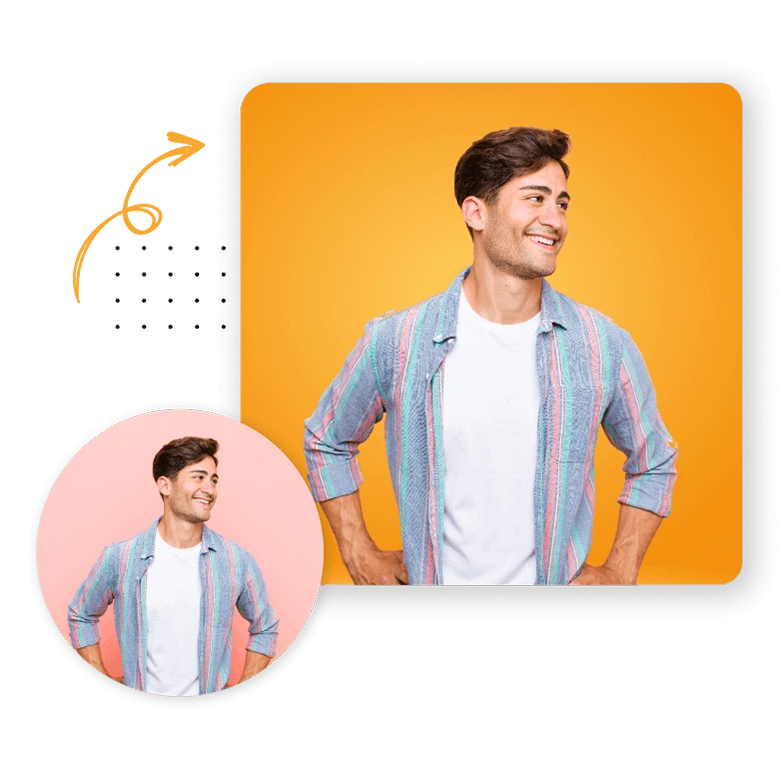
AI-Powered Background Changer & Scene Creator

Elevate your photos instantly with our AI Background Changer. Beyond just removing the old, our advanced neural networks allow you to swap dull backgrounds for stunning, professional-grade environments in a single click.

Whether you're removing backgrounds for product photos, portraits, or marketing materials, our AI handles complex edges like hair, fur, and fine details automatically.

✔ AI-Powered Precision
✔ No Watermark, Free
✔ Transparent PNG Output
✔ Custom Background Color
Object Remover Tool

Change Background in 4 Easy Steps

No Photoshop, no design skills needed. Just upload, pick, and download your image in seconds.

1

Upload Photo

Drag & drop or click to upload your JPG, PNG, or WEBP file up to 12MB.

2

AI Removes BG

Our AI instantly detects the subject and removes the background with clean, precise edges.

3

Pick New Background

Choose a solid color, stunning gradient, or upload your own custom background image.

4

Download HD

Export your finished image as a full-resolution PNG — no watermark, completely free.


Who Uses BG Changer?

From product photography to professional headshots — anyone can create stunning visuals in seconds.

Product Photography

Swap messy backgrounds for clean white, gradient, or branded studio-style backgrounds instantly.

Professional Headshots

Replace casual backgrounds with clean office, blur, or branded colors for LinkedIn or CVs.

Social Media Content

Create scroll-stopping posts and stories by placing subjects on vibrant gradient backgrounds.

Marketing Ads

Drop products or talent into custom scenes and backgrounds for any campaign or banner ad.

Real Estate

Place property images on sky-blue or clean backgrounds to make listings stand out online.

Graphic Design

Quickly composite subjects onto any background for mockups, posters, and creative projects.


Frequently Asked Questions

Quick answers about the BG Changer tool.

Is BG Changer free to use?
Yes — BG Changer is completely free. Upload images, choose any background, and download your result in full HD with no watermarks and no account required.
What background types can I use?
You can choose from solid colors (with a full color picker and 20+ presets), beautiful gradients (including sky, sunset, ocean, and more), or upload your own custom background image in JPG, PNG, or WEBP.
How does the background blur work?
When you use a custom image background, a blur slider lets you apply 0–30px of blur to create a professional bokeh/depth-of-field effect — great for headshots and portraits.
Will the cutout quality be good for hair and fine details?
Our tool uses the remove.bg AI engine which handles complex edges including hair, fur, and semi-transparent objects with very high accuracy. Best results come from well-lit photos with clear subject separation.
Is my image stored or shared?
No. Your images are sent to the AI API solely for processing and are never stored on our servers. The final compositing happens entirely in your browser — your custom backgrounds never leave your device.
Can I change the background multiple times before downloading?
Yes! Once the AI has extracted your subject, you can switch between colors, gradients, and image backgrounds as many times as you like — all changes are instant and non-destructive.

Extracting Subject…

AI is cutting out your subject with pixel-perfect precision

Uploading image
AI detecting subject
Removing background
Ready for editing